| 1 | # BPMN-Pilot on a Synology NAS (Container Manager > Project > Create) |
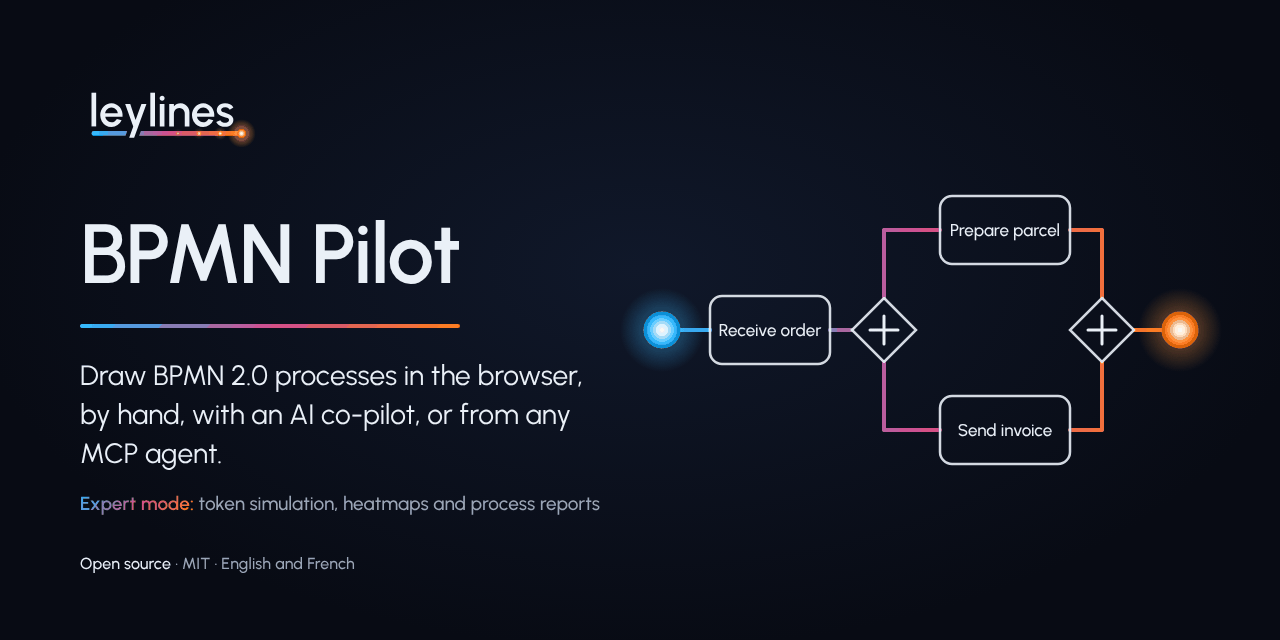
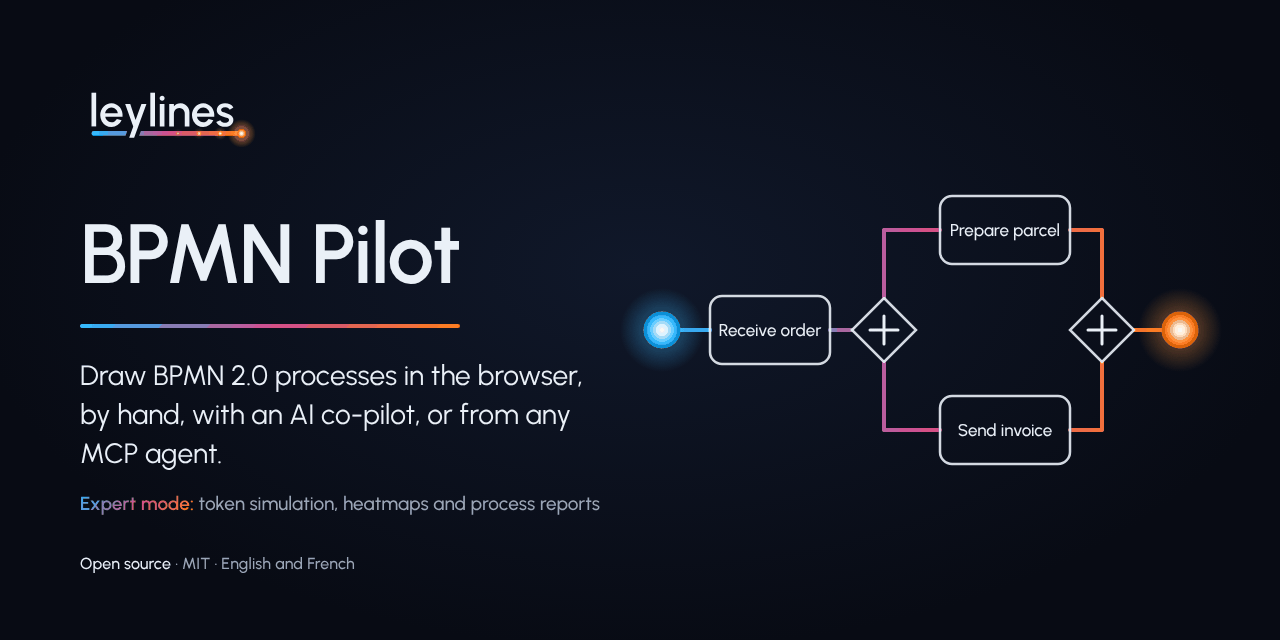
| 2 | # BPMN 2.0 editor in the browser, with an AI co-pilot and an MCP server for your own AI agents. |
| 3 | # Code and documentation: https://github.com/Leylines-Prism/bpmn-pilot |
| 4 | # |
| 5 | # Before you start: |
| 6 | # 1. In File Station, create the folder docker/bpmn-pilot/data (lowercase only). |
| 7 | # 2. Replace NAS_IP below with the local IP address of your NAS (for example 192.168.1.20). |
| 8 | # 3. Replace CHANGE_ME_LONG_RANDOM_TOKEN with a long random string: AI agents connecting |
| 9 | # over MCP will need it. |
| 10 | # 4. Optional: put an API key below (Anthropic, OpenAI or Mistral) for the built-in AI co-pilot, |
| 11 | # or leave them empty and enter your own key in the editor, under Options. |
| 12 | # Then open http://NAS_IP:8095 |
| 13 | # |
| 14 | # Do not expose this port to the Internet: the server has no user accounts. Keep it on your |
| 15 | # local network, or put it behind a reverse proxy that requires a login. |
| 16 | |
| 17 | services: |
| 18 | editor: |
| 19 | image: ghcr.io/leylines-prism/bpmn-pilot:1.4.6 |
| 20 | container_name: bpmn-pilot |
| 21 | ports: |
| 22 | - "8095:8080" |
| 23 | depends_on: |
| 24 | - mcp |
| 25 | cap_drop: |
| 26 | - ALL |
| 27 | security_opt: |
| 28 | - no-new-privileges:true |
| 29 | restart: unless-stopped |
| 30 | |
| 31 | # Prepares the data folder for the server user, then stops. "Exited (0)" is expected. |
| 32 | data-init: |
| 33 | image: ghcr.io/leylines-prism/bpmn-pilot-mcp:1.4.6 |
| 34 | container_name: bpmn-pilot-data-init |
| 35 | user: "0:0" |
| 36 | entrypoint: |
| 37 | - sh |
| 38 | - -c |
| 39 | - >- |
| 40 | mkdir -p /data/diagrams /data/exports && |
| 41 | chown -R 1026:100 /data || |
| 42 | echo "data-init - could not prepare /data, check the owner of the data folder" |
| 43 | volumes: |
| 44 | - /volume1/docker/bpmn-pilot/data:/data |
| 45 | read_only: true |
| 46 | network_mode: none |
| 47 | cap_drop: |
| 48 | - ALL |
| 49 | cap_add: |
| 50 | - CHOWN |
| 51 | - DAC_OVERRIDE |
| 52 | security_opt: |
| 53 | - no-new-privileges:true |
| 54 | restart: "no" |
| 55 | |
| 56 | mcp: |
| 57 | image: ghcr.io/leylines-prism/bpmn-pilot-mcp:1.4.6 |
| 58 | container_name: bpmn-pilot-mcp |
| 59 | # 1026:100 is the first admin user and the "users" group on most Synology NAS. |
| 60 | # Check yours with the command "id" over SSH, and use the same values in data-init. |
| 61 | user: "1026:100" |
| 62 | environment: |
| 63 | # Your time zone: used for the names of diagrams saved by an AI agent and for the logs. |
| 64 | TZ: Europe/Paris |
| 65 | ANTHROPIC_API_KEY: "" |
| 66 | OPENAI_API_KEY: "" |
| 67 | MISTRAL_API_KEY: "" |
| 68 | MCP_TOKEN: CHANGE_ME_LONG_RANDOM_TOKEN |
| 69 | BPMN_EDITOR_ORIGINS: http://NAS_IP:8095 |
| 70 | MCP_ALLOWED_HOSTS: NAS_IP |
| 71 | volumes: |
| 72 | - /volume1/docker/bpmn-pilot/data:/data |
| 73 | depends_on: |
| 74 | data-init: |
| 75 | condition: service_completed_successfully |
| 76 | read_only: true |
| 77 | tmpfs: |
| 78 | - /tmp |
| 79 | cap_drop: |
| 80 | - ALL |
| 81 | security_opt: |
| 82 | - no-new-privileges:true |
| 83 | # Ollama running on the NAS itself: http://host.docker.internal:11434/v1 |
| 84 | extra_hosts: |
| 85 | - "host.docker.internal:host-gateway" |
| 86 | restart: unless-stopped |
| 87 |
Leylines / bpmn-pilot.yml
Last active 10 hours ago